Windows 11 Smart Charging: Protect Your Laptop Battery by Limiting Charge to 80%
Published on: 22/05/2026
Smart Charging in Windows 11 limits your battery to 80% to reduce long-term wear — ideal if you keep your laptop plugged in most of the time.
Windows 11Smart Chargingbattery healthlaptop batterybattery optimization

How to See Your Battery Percentage in Windows 11 at All Times
Published on: 22/05/2026
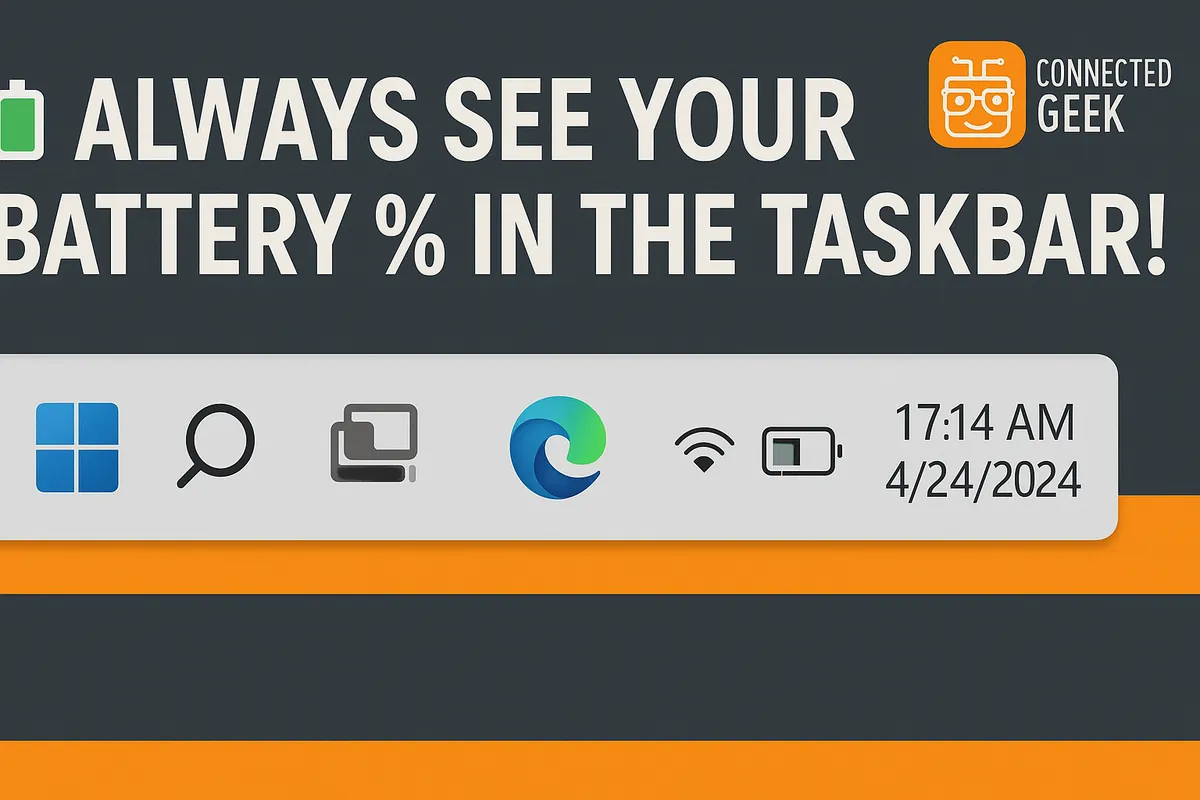
Hover over the battery icon in the Taskbar to see exact percentage and estimated time remaining, or go to Settings → System → Power → Battery for full battery details.
Windows 11battery lifepower managementcheck batterybattery health